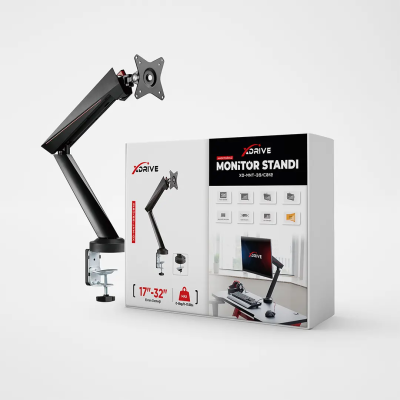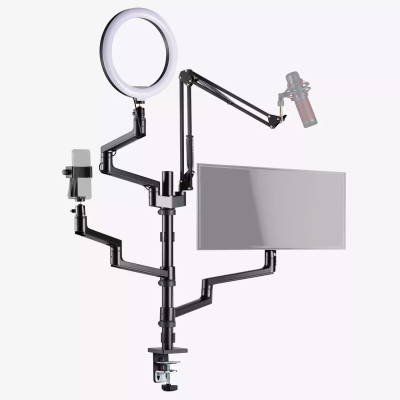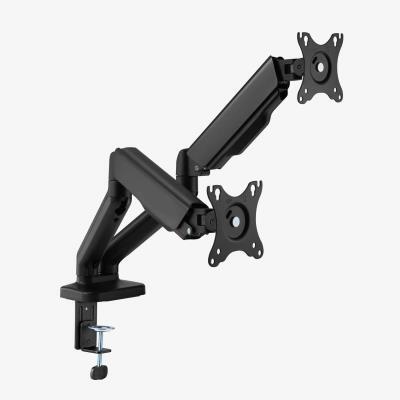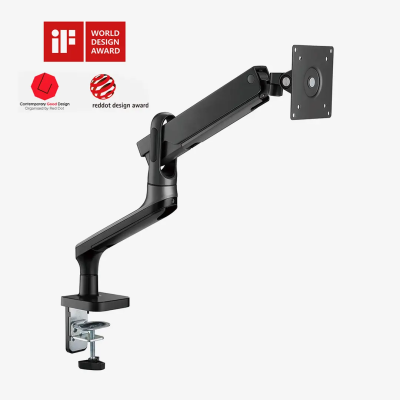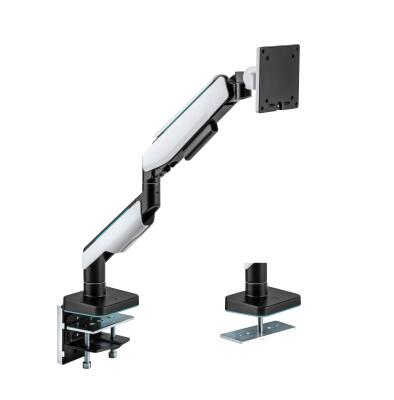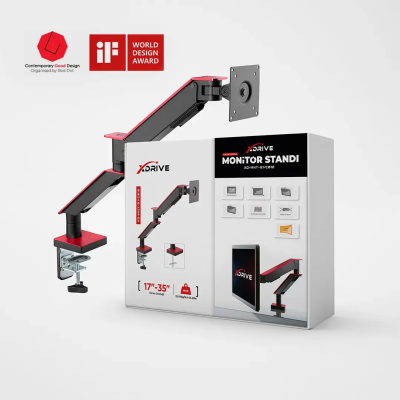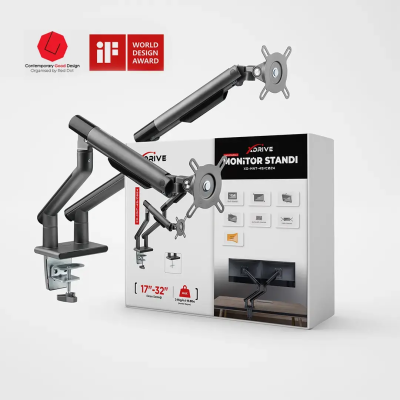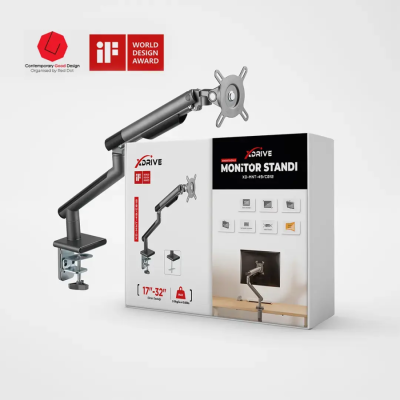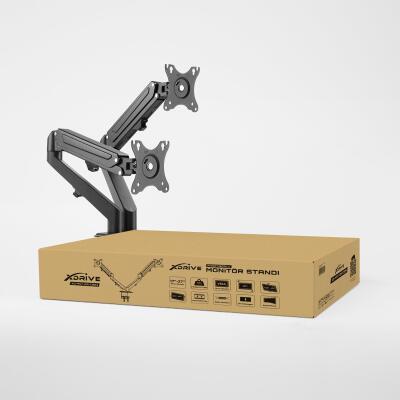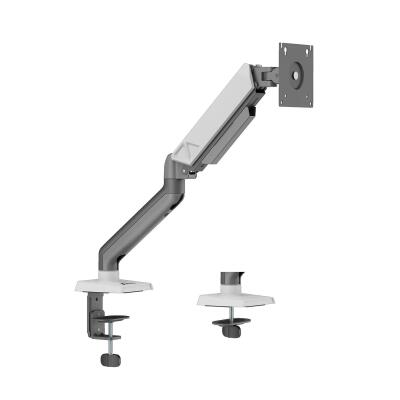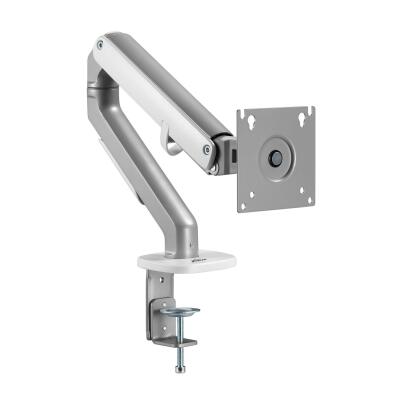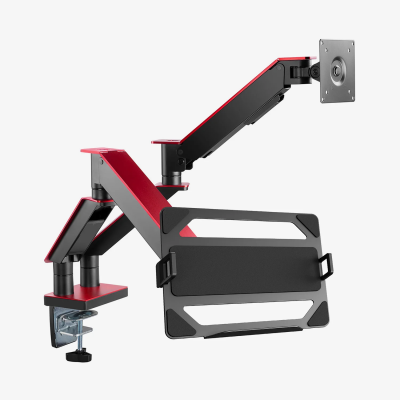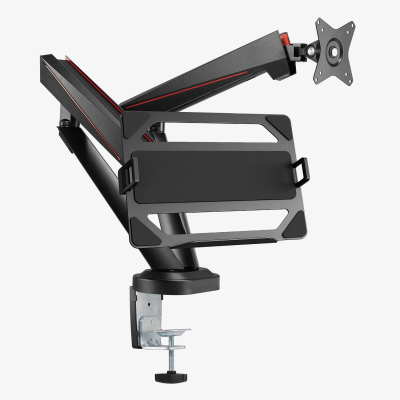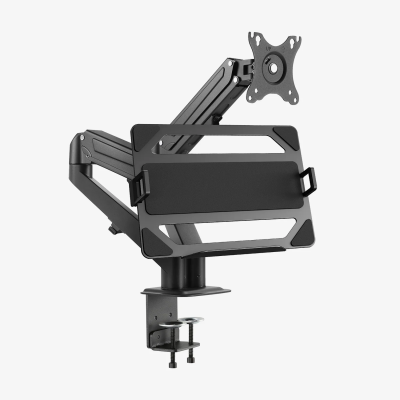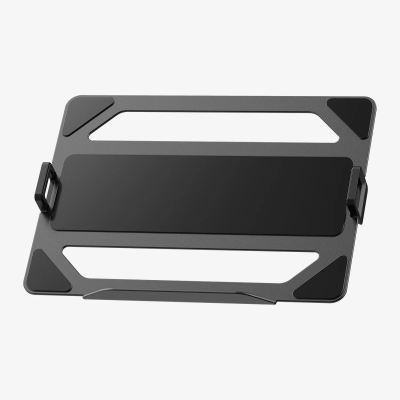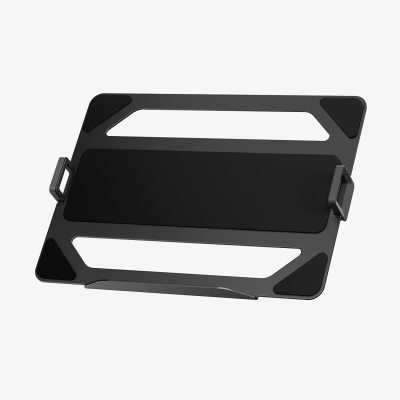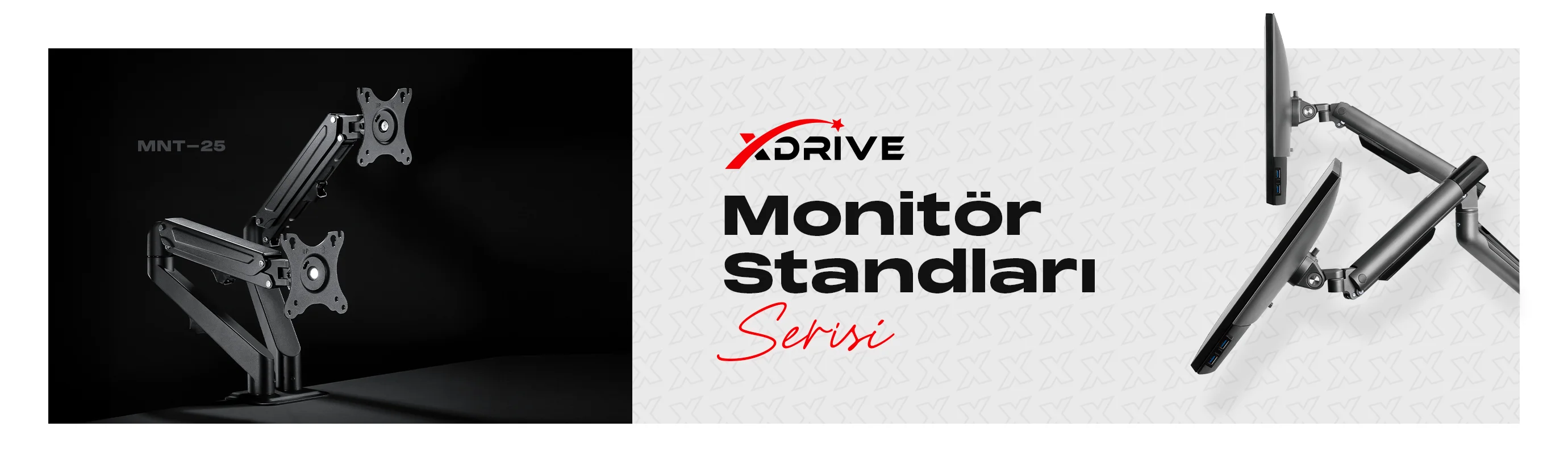
xDrive Monitor Arms – Combining Ergonomics and Productivity!
xDrive monitor arms position your screen at the ideal ergonomic height, creating a more comfortable and efficient workspace. A tidier desk means higher productivity!
 Strong and flexible design for long-lasting use High weight capacity for secure and stable support Wide range of motion to adjust your screen as you like Reduces cable clutter and maximizes desk space Eases multi-monitor setups for a broader field of view Proper height adjustment helps prevent neck, back, and lower back pain
Optimize your workspace with xDrive and feel the difference!
What Is the Purpose of a Monitor Stand?
A monitor stand, monitor holder, or monitor mount helps position your computer screen at the ideal eye level, creating a comfortable and ergonomic workspace. Using the right monitor stand can help prevent neck, back, and lower back pain, free up desk space, and eliminate cable clutter.
For professionals who spend long hours at a computer, as well as gamers and graphic designers, adjustable-height, tiltable, and rotatable monitor stands provide significant advantages. xDrive Monitor Stands are designed for maximum efficiency, featuring a sturdy structure, wide range of motion, and easy installation.
What Are the Advantages of a Monitor Stand?

 Ergonomic Design: Brings your monitor to eye level, helping to protect neck, back, and spinal health. More Desk Space: Raises your screen with a monitor holder, creating extra workspace. Organized and Clean Desk: Built-in cable management system eliminates clutter. Multi-Monitor Support: Dual and triple monitor stands provide a wider field of view. Durable and Secure Usage: A metal frame and high weight capacity keep your monitor stable and secure. Easy Installation: xDrive Monitor Stands feature quick and simple assembly, ready to use in minutes.
What to Consider When Choosing a Monitor Stand?
When selecting a monitor stand or monitor holder, consider the following factors:
Monitor Weight and Size: Ensure the stand supports your monitor’s weight and dimensions. VESA Compatibility: Check if your monitor meets the required VESA mounting standards. Adjustability: Consider tiltable, rotatable, and height-adjustable monitor stand options. Usage Needs: Choose a single monitor mount for one screen or a dual/triple monitor stand for multi-screen setups.